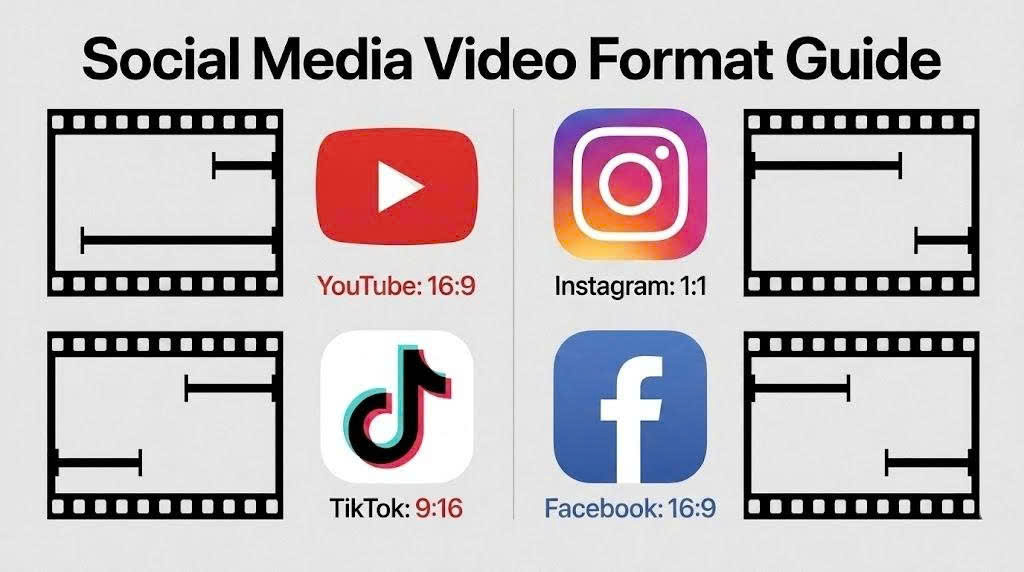
A few years ago, exporting a simple video could feel surprisingly complicated. You open a video editor, finish your project, and then get stuck at the final step: choosing the right format. MP4, MOV, MKV, AVI each option sounds technical, but it's rarely clear what actually matters. Many creators pick random settings, only to realize later that their video looks worse, takes too much space, or fails to upload properly on platforms like YouTube or TikTok. As video content continues to dominate social media and mobile usage, choosing the right format is no longer just a technical detail - it directly affects quality, file size, and how easily your content can be shared across devices. This guide breaks down the best video formats for YouTube, TikTok, and mobile devices in a simple, practical way so you can always make the right choice without confusion.
What is a video format?
A video format is the way a video file is structured, stored, and encoded so it can be played across different devices such as smartphones, computers, and social media platforms. Common formats like MP4, MOV, MKV, and AVI each handle video data differently, which affects quality, file size, and compatibility.
Think of a video format as a container that holds all the elements of a video - visuals, audio, subtitles, and metadata. The same video can behave differently depending on the format you choose, especially in terms of playback quality and how easily it can be shared or uploaded online.
Understanding what a video format actually is helps you make better decisions before exporting or uploading content to platforms like YouTube, TikTok, or mobile devices.
Why Choosing the Right Video Format Matters
Choosing the right video format is more important than it may seem. It affects several key aspects of your video performance:
-
Video quality and how clearly it appears on different screens
-
File size, which impacts storage and sharing speed
-
Upload speed to platforms like YouTube or TikTok
-
Playback smoothness across devices and apps
-
Overall compatibility with different platforms and operating systems
For example, a format that works well on mobile may not upload smoothly to YouTube or could lose quality when shared on TikTok.
Using the wrong format can also lead to:
-
Poor viewing experience for your audience
-
Longer processing or upload times
-
Failed or corrupted uploads on certain platforms
That's why choosing the right video format is a crucial step to ensure your content performs well everywhere.
Common Video Formats You Should Know
There are several video formats used today, but a few dominate most editing, uploading, and sharing workflows. Each format has its own strengths and is designed for different purposes depending on quality, file size, and compatibility.
-
MP4 (MPEG-4 Part 14): The most widely used format, known for balancing good quality and small file size. It works almost everywhere, including YouTube, TikTok, and mobile devices.
-
MOV (QuickTime File Format): Developed by Apple, commonly used in professional video editing. It offers high quality but usually results in larger file sizes.
-
MKV (Matroska Video): A flexible format that can store multiple audio tracks, subtitles, and high-quality video in one file. Often used for movies and high-resolution content.
-
AVI (Audio Video Interleave): An older format from Microsoft. It offers good compatibility with older systems but tends to produce very large files.
-
WMV (Windows Media Video): Designed for Windows devices, optimized for small file sizes, but with lower flexibility and limited cross-platform support.
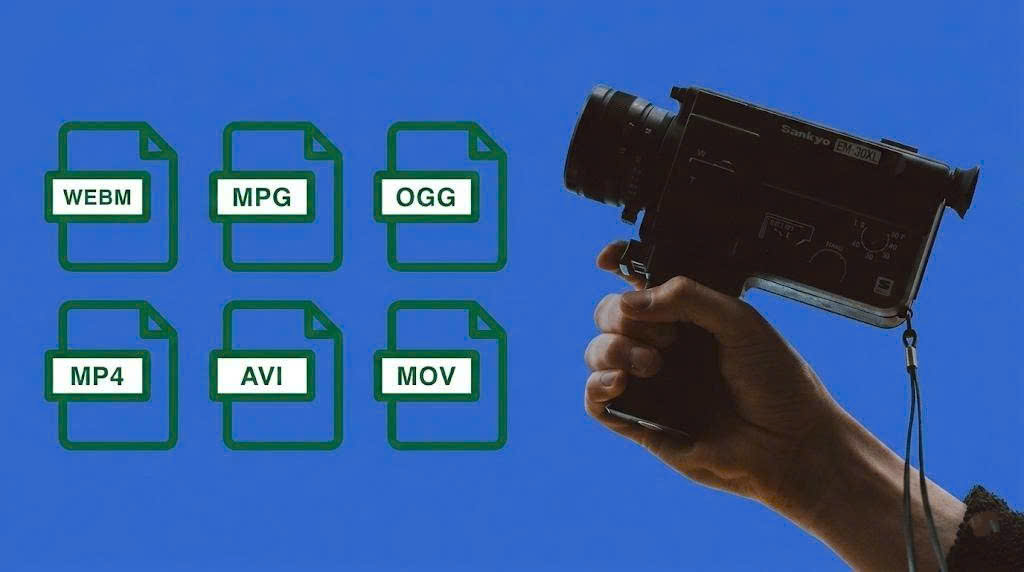
Each format has its own strengths and is designed for different purposes depending on quality, file size, and compatibility.
Understanding these formats helps you quickly identify which one fits your needs before diving deeper into comparisons and use cases.
|
Criteria |
MP4 |
MOV |
MKV |
AVI |
WMV |
|
Video quality |
High |
Very high |
Very high |
Medium |
Medium |
|
File size |
Small |
Large |
Large |
Very large |
Small |
|
Device compatibility |
Very high |
High (best on Apple) |
Medium |
Medium |
Low |
|
Editing support |
Good |
Excellent |
Good |
Limited |
Limited |
|
Subtitles / multiple tracks |
Yes |
Yes |
Excellent |
Limited |
Yes |
|
Online upload suitability |
Excellent |
Good |
Not ideal |
Not suitable |
Fair |
Related Posts