TikTok to MP3 Converter
Free online TikTok to MP3 audio converter. Extract and download 320kbps high quality MP3 music fast without watermark.
- 1080p HD (test clip)
- MP3 Included
- No Sign-Up Needed
- Runs In Your Browser
How to Extract MP3 Audio in 3 Simple Steps
-
Step 1: Copy the Clip Link
Locate the public post on your phone or computer, tap Share, and choose Copy Link.
-
Step 2: Paste into TikMate
Insert the copied URL into the conversion box above to detect the audio track.
-
Step 3: Download Your MP3 File
Click the Download MP3 button to save the audio file directly to your device storage.
Why Choose TikMate Audio Extractor
Clean Audio Extraction
Extract spoken-word tracks, interviews, and music snippets into standalone audio files.
Fast Server Conversion
Processes public video links in seconds and delivers direct audio download options.
Lightweight File Size
Audio files take up minimal device storage compared to downloading full video streams.
Universal Playback Support
Play downloaded audio files on any smartphone, desktop media player, or car audio system.
Zero Registration Needed
Extract audio tracks directly in your browser without entering email or login credentials.
Direct Browser Download
No extra software or format converter apps required on your phone or computer.
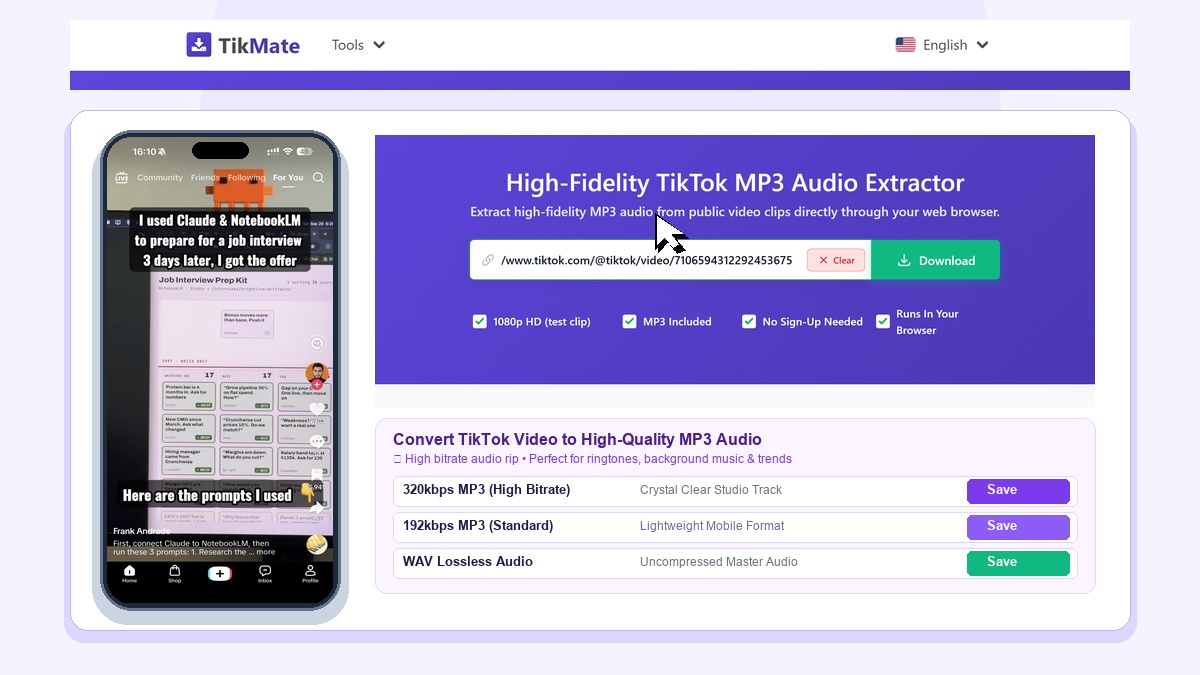
TikMate TikTok to MP3 Converter allows you to extract crystal-clear 128kbps audio tracks and trending songs from public TikTok videos directly in your browser without installing third-party apps.
Extract High-Fidelity MP3 Audio from Any TikTok Video
TikTok is the premier source of viral music trends, audio mashups, and voiceover speech snippets. When you want to save a catchy background track or speech clip for offline listening or ringtone creation, TikMate extracts the pure audio stream in seconds.
Our server-side converter parses the media stream and isolates the audio layer, encoding it into standard stereo MP3 at up to 128kbps bitrate without audio clipping or compression noise.
3-Step Guide to Convert TikTok to MP3 on Any Device
- Copy Video Link: Open TikTok, tap Share on the target clip, and select Copy Link.
- Paste into TikMate: Paste the link into the input box above and click Download.
- Save MP3 Audio: Click Download MP3 (128kbps) to save the isolated soundtrack immediately.
Outstanding Features of TikMate MP3 Converter
- Studio Master 128kbps Bitrate: Uncompressed stereo sound for optimal fidelity.
- Universal Audio Compatibility: Output MP3 files play seamlessly on iOS, Android, macOS, Windows, and in-car sound systems.
- Browser Audio Extraction: Extract audio tracks directly in your browser without software or hidden subscription fees.
Limitations & Privacy Safeguards
- TikMate strictly processes public TikTok videos. Audio from private accounts cannot be extracted.
- We operate a strict zero-log policy and do not store audio files on our servers.
- TikMate is an independent utility not affiliated with ByteDance or TikTok Inc.