TikTok Story Downloader
Free online TikTok Story downloader without watermark. Save 24-hour vertical stories in HD MP4 before they expire.
- 1080p HD (test clip)
- MP3 Included
- No Sign-Up Needed
- Runs In Your Browser
How to Download Stories in 3 Simple Steps
-
Step 1: Copy the Active Story Link
Locate the public update on your phone or computer, tap Share, and choose Copy Link.
-
Step 2: Paste into TikMate
Insert the copied URL into the conversion box above to detect the active media stream.
-
Step 3: Download Your Video File
Click the Download button to save the high-definition MP4 file directly to your device storage.
Why Choose TikMate Story Extractor
Save Before 24h Expiry
Preserve important moments, tutorials, and announcements before Stories disappear after 24 hours.
High-Definition Video
Extracts clean MP4 video files directly from public links or progress bars.
Synchronized Sound
Retains full audio fidelity including speech commentary and background sound tracks.
Works on All Devices
Download seamlessly on Safari for iPhone/iPad, Chrome on Android, and desktop browsers.
No TikTok Login Needed
We never ask for your account credentials; simply paste the public Story URL to download.
Instant Browser Download
Fast server-side extraction saves media files directly into your device downloads folder.
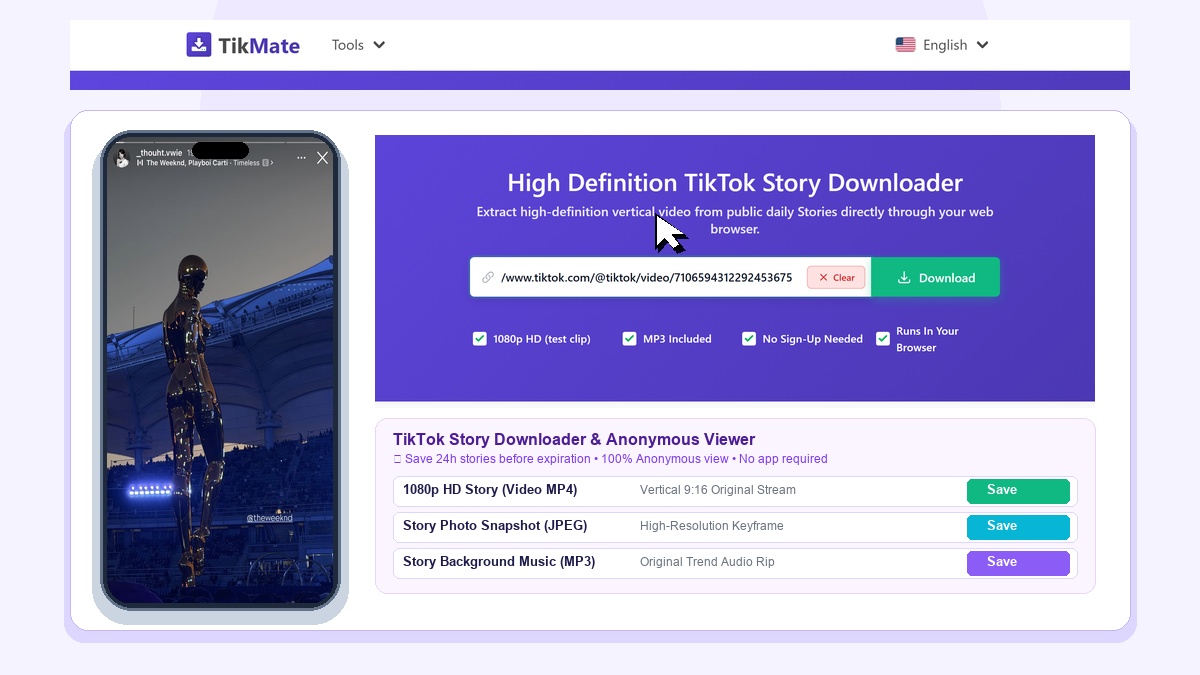
TikMate TikTok Story Downloader is a private web utility that enables you to save expiring 24-hour TikTok Stories in native 9:16 vertical HD resolution completely without notifying the creator.
Archive Expiring TikTok Stories Before They Disappear
TikTok Stories allow creators to share behind-the-scenes moments and spontaneous updates that automatically vanish after 24 hours. If you want to keep a permanent backup of important news, product announcements, or creative inspiration, TikMate allows you to archive the full video stream before expiration.
Our tool operates in complete stealth mode. Because you do not need to log into an account, your profile never appears in the creator's story viewer analytics.
How to Save TikTok Stories in 3 Simple Steps
- Copy Story Link: Navigate to the TikTok Story, tap the Share button, and choose Copy Link.
- Paste into TikMate: Paste the URL into the search bar above and click Download.
- Save Video Clip: Select HD resolution Story to save the vertical clip directly to your device.
Core Features of TikMate Story Saver
- Direct Browser Viewing: Zero tracking, zero account login, and zero viewer footprint.
- Native 9:16 Vertical HD: Retains full screen smartphone aspect ratio without distortion.
- No Watermark: Clean output free of overlay badges.
Service Boundaries & Legal Policy
- Stories can only be downloaded while active (within the 24-hour window) and from public accounts. Expired or private stories cannot be retrieved.
- TikMate is an independent utility not affiliated with TikTok or ByteDance. Downloaded content is strictly for personal archival use.